
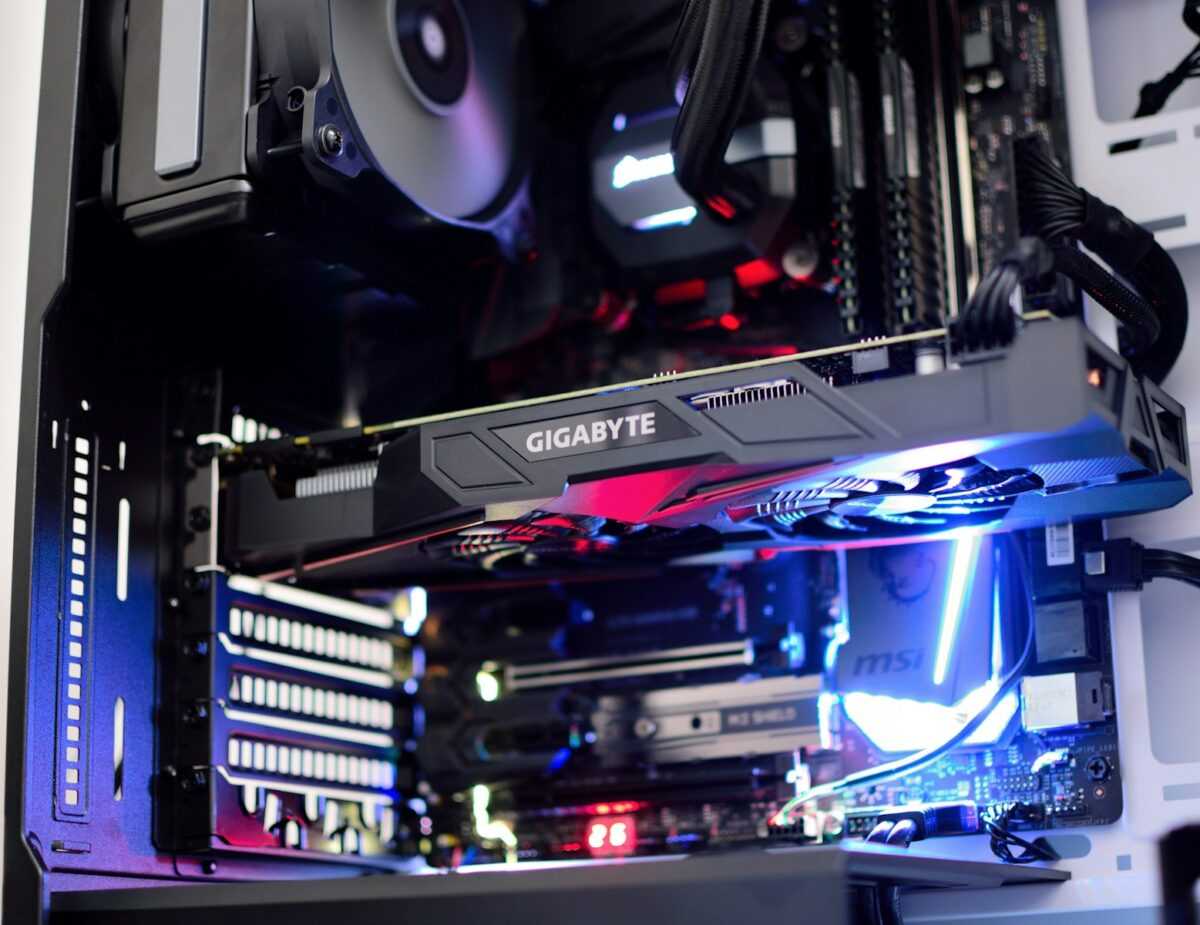
Select your GPU card based on detailed benchmarks targeting the cryptocurrency algorithm you intend to mine. Different algorithms demand distinct memory bandwidth or core clock speeds; for example, Ethereum’s Ethash favours GPUs with high memory throughput, whereas others like Equihash benefit more from core performance. Miners should consult up-to-date hashrate and power consumption data to maximise efficiency within a home setup.
Optimising cooling solutions directly impacts your rig’s stability and longevity. Maintaining GPU temperatures below 70°C reduces the risk of thermal throttling and instability. Hobbyist miners often overlook airflow arrangements–placing fans strategically and using aftermarket cooling can enhance performance without escalating noise levels or power demands significantly.
Overclocking must be approached with precision; modest core and memory frequency increases, validated by repeatable benchmarks, often yield the best balance between increased hashrate and sustainable power usage. Individual cards vary in overclocking headroom, so systematic testing enables tailored settings that improve overall rig efficiency.
Power consumption remains the major variable for small-scale miners aiming for profitability under domestic energy tariffs. Choosing GPUs with favourable watt-to-hashrate ratios allows hobbyists to control electricity costs while maintaining competitive output. Incorporating power management techniques, such as undervolting, can further optimise daily operational expenses.
Strategies focused on efficient rig design enhance both performance and ease of maintenance. A compact layout with well-organised wiring supports airflow and reduces repair time. Combining multiple GPUs in a single rig requires attention to motherboard and power supply compatibility, ensuring that all components harmonise to deliver consistent hashrate without bottlenecks.
Optimizing Power Consumption Settings
Reducing power consumption without compromising hashrate is pivotal for small scale cryptocurrency miners aiming to maintain a profitable home rig. Start by adjusting your GPU’s power limit to approximately 70-80% of its default value. For instance, many popular cards like the Nvidia RTX 3060 Ti operate efficiently at 70% power draw, yielding up to 90% of their maximum hashrate. This balance significantly lowers electricity costs and minimizes heat output, streamlining your cooling strategy.
Apply precise benchmarking after each power adjustment using your mining software’s built-in tools or third-party utilities like GPU-Z or HWInfo. These benchmarks help individual miners identify the sweet spot for their specific algorithm and card model, avoiding generic presets that reduce overall efficiency. Keep detailed logs of your hashrate, power consumption, and GPU temperature to refine these power settings over time.
Combining Overclocking with Power Limits
Overclocking your GPU core and memory clocks in tandem with power limit reduction requires deliberate, incremental changes. Most hobbyist miners benefit from lowering the core clock by 100-150 MHz while maximizing memory clocks, especially for memory-intensive algorithms such as Ethash or KawPow. This approach enhances mining throughput with a lowered power footprint. Use software like MSI Afterburner to configure and save profiles per card, facilitating quick deployment on a rig comprising multiple GPUs.
Cooling and Power Synergy
Optimized cooling directly complements power consumption strategies. Efficient airflow and undervolting reduce thermal throttling, allowing your card to sustain stable hashrates at lower power usage. For home miners, combining aftermarket GPU coolers with targeted fan curve adjustments ensures efficient heat dissipation, extending hardware lifespan and maintaining stable performance. A well-cooled GPU invariably requires less power for cooling components, collectively improving the rig’s overall efficiency.
In conclusion, individual miners should leverage a cycle of benchmarking, power tuning, overclocking, and cooling adjustments to achieve maximum efficiency per watt spent. Aligning power consumption settings with the characteristics of your chosen cryptocurrency algorithm and GPU model remains a winning strategy for any small scale mining enthusiast focused on profit and sustainability.
Choosing Budget-Friendly GPUs
For individual cryptocurrency miners operating on a tight budget, selecting the right GPU card requires balancing initial cost with mining performance and long-term reliability. Cards such as the NVIDIA GTX 1660 Super or AMD RX 580 continue to offer competitive hashrates for home mining setups without demanding excessive power or cooling infrastructure. Benchmark results show these cards provide around 26-30 MH/s on Ethereum mining algorithms at a power draw near 120 watts, making them suitable for hobbyist rigs focused on efficiency over raw hash power.
When evaluating budget graphics cards, closely examine community-shared mining benchmarks and real-world reports. Overclocking headroom on these models is moderate; adjusting core clocks and memory timings can increase hashrate by 10-15% without significantly impacting power consumption. Effective cooling is essential to maintain stable performance, as reduced temperatures extend card longevity and prevent thermal throttling. Utilizing aftermarket fans or setting up case airflow strategically can optimize mining efficiency in confined home environments.
Performance Metrics and Cooling Strategies
Efficiency is a core metric for small-scale miners, and cards with proven power-to-hashrate ratios provide the best return on investment. For example, lower-tier AMD GPUs often excel in mining algorithms requiring faster memory speeds, while certain NVIDIA cards show better stability in prolonged workloads with lower power states. Both offer viable entry points depending on your rig’s power capacity and cooling solutions. Passive cooling is rarely sufficient; combining affordable air coolers with undervolting techniques can further reduce power draw and heat output.
Long-Term Viability and Upgradability
Choosing a budget-friendly GPU must include foresight into firmware support, driver updates, and market availability. Cards with solid aftermarket community support allow hobbyists to leverage advanced mining tools and software optimizations. Moreover, modular rigs built around scalable power supplies afford easier GPU upgrades as mining demands evolve. Incorporating flexible mining techniques–such as switching between algorithms based on profitability–can maximize efficiency without immediate hardware replacement, offering sustainable growth for cryptocurrency miners focused on home setups.
Managing Heat and Noise Levels
Maintaining optimal temperatures for each GPU in your mining rig significantly impacts longevity and consistent hashrate output. Aim to keep individual card temperatures below 70°C under full load for most algorithms; sustained heat beyond this threshold accelerates hardware degradation. Efficient cooling setups incorporate directed airflow techniques, such as intake and exhaust fans positioned to prevent hot air recirculation inside the home mining environment.
For hobbyist miners, investing in aftermarket thermal solutions like high-quality thermal paste and custom fan profiles adjusted via mining software can lower GPU temps by 5-10°C. Regularly benchmarking your cooling performance using software-based temperature monitoring tools allows incremental improvements, ensuring overclocking tweaks do not sacrifice thermal stability. Position GPUs vertically or spaced out on the rig frame to minimize heat buildup and facilitate uniform airflow.
Noise Reduction Techniques
Noise generated by GPU fans often becomes a constraint in home mining setups. Lowering fan speeds through software control reduces noise but demands careful balance with cooling needs to prevent thermal throttling. Consider implementing larger, slower-spinning fans or attaching sound dampening foam to the rig structure to absorb vibrations. Selecting GPUs known for quieter reference coolers, especially those optimized for efficient power delivery and cooling, reduces baseline noise output.
Utilising water cooling or hybrid cooling systems presents an advanced method to suppress fan noise, enabling GPUs to maintain efficient thermal profiles even at higher overclocked hashrates. However, these solutions require additional setup and maintenance efforts. As an alternative, relocate the mining rig to an isolated room with passive acoustic insulation, combining thermal management with minimal disruption to living spaces.