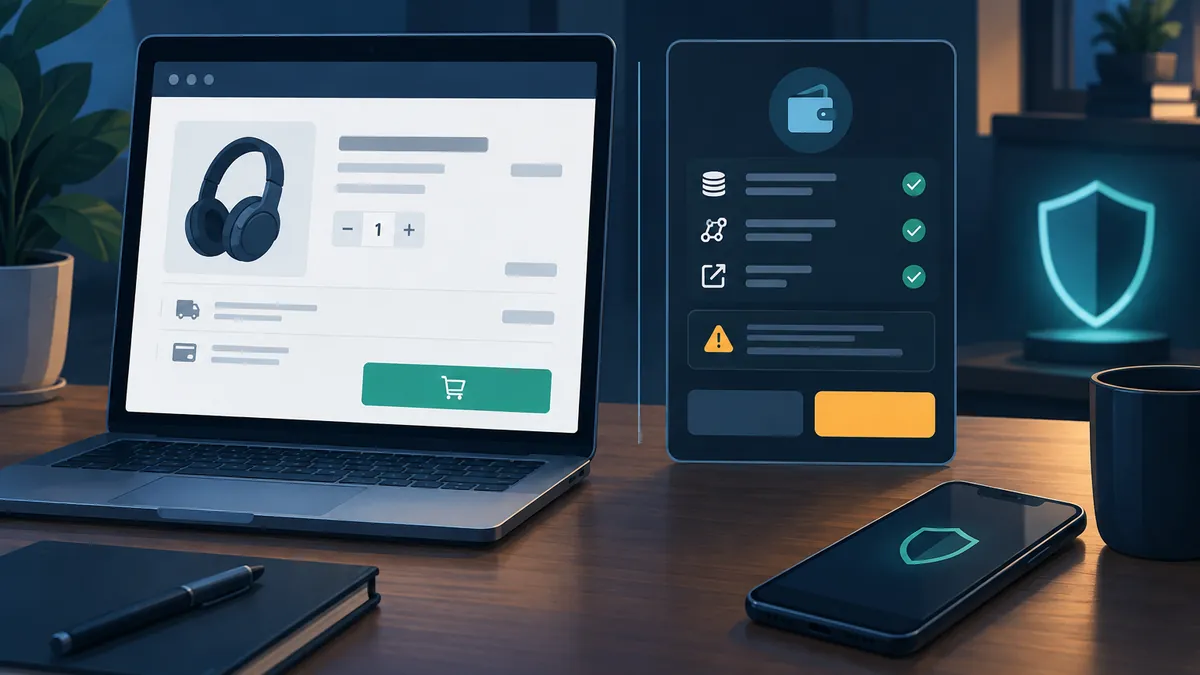
A checkout page asks you to connect a crypto wallet, sign a message or “verify” your assets before finishing an ordinary purchase. Is that a legitimate payment step, an unnecessary request or an attempt to steal funds? The safest starting point is not the appearance of the pop-up. It is whether the request matches the purchase you intended to make.
Use an international mobile top-up as a practical example. Establish the provider’s documented process first, then evaluate any unexpected wallet request separately. The suspicious prompts discussed below are hypothetical warning signs, not reports of an incident involving the example provider.
Establish What the Checkout Actually Requires Before Opening Your Wallet
Before paying, identify the expected inputs, the payment options and how the provider confirms an order. Mobile top-ups with Numio follow a documented sequence: choose a destination country, enter a mobile number, select an amount and pay. After payment confirmation, Numio submits the top-up to the operator. Available payment methods appear at checkout and may vary by country, currency and device.
That description establishes a baseline; it does not establish cryptocurrency support. Do not assume that a service accepts crypto because you hold digital assets, use a wallet-enabled browser or encounter a wallet pop-up. A payment option should be identifiable within the verified checkout, with terms that explain what you are paying and what you will receive.
For the top-up itself, check the destination country, recipient’s number and final amount. Numio states that operator-supported denominations can affect the final amount, including rounding it down. These are relevant purchase details. A demand to disclose a recovery phrase or grant access to unrelated tokens does not help confirm a phone number or deliver airtime.
A request that does not fit the purchase deserves a pause, not an experimental signature. If a “wallet verification” window suddenly appears, reject it while you investigate. A legitimate-looking logo, familiar wallet interface or claim that the process is mandatory does not explain why access to your assets is necessary.
Distinguish Wallet Connections, Signatures, Token Approvals and Payments
Wallet prompts represent different actions with different consequences. Treating all of them as harmless login screens—or assuming that every signature immediately transfers funds—makes it harder to judge the actual risk. Read what the wallet is requesting rather than relying on the website’s button label.
- Connection: usually lets a site see a selected public address and request further interactions. Connecting alone ordinarily does not authorize spending, but it can expose account information and lead to subsequent requests.
- Message signature: can prove control of an address, but its contents matter. Some structured signatures authorize actions involving assets rather than simply logging you in.
- Token approval: gives a specified spender permission to use a token, subject to the allowance. A broad approval may remain usable beyond the immediate purchase.
- Transaction: can transfer assets, interact with a contract or change permissions. Check the network, destination, value and any readable explanation before confirming.
MetaMask’s explanation, What are token approvals?, distinguishes connection from spending authorization and explains why message-signing requests, including Permit2 signatures, can have asset-transfer consequences. A prompt without a gas fee is not necessarily a prompt without financial risk.
For an approval or structured signature, inspect the token, amount, spender and any deadline. Ask whether each detail fits the intended purchase. An unlimited allowance is not equivalent to paying a fixed checkout total. An unfamiliar spender is not validated merely because the website displays a merchant’s name beside it.
When the wallet cannot clearly display what you are authorizing, do not guess. A transaction simulation or warning can help, but it is not a guarantee of safety. If you cannot explain the permission in plain language, reject it and use an independently verified payment route instead. A hardware wallet also cannot make an authorization safe simply by asking you to confirm it on a separate device.
Check Suspicious Prompts Without Following Their Instructions
Start by rejecting the request and checking how you reached the page. Read the full hostname in the address bar, watching for misspellings and misleading subdomains. A padlock indicates an encrypted connection to that domain; it does not prove the domain belongs to the intended business. Search adverts, private messages and QR codes can all lead to imitation checkout pages.
Open a fresh tab and navigate using a previously verified bookmark or a carefully checked address. Do not use the suspicious pop-up’s “support” or “fix wallet” links to authenticate the same pop-up. Compare the provider’s payment information with the actual checkout. If the options differ unexpectedly, stop rather than letting a countdown or discount push you into signing.
It also helps to identify where the request appeared. A webpage banner, browser notification, extension window and operating-system dialog are different surfaces. An imitation wallet window embedded in a page may look convincing. Use your installed wallet’s own interface to inspect pending requests, and check the requesting origin where available. Even a genuine wallet window can display a malicious request.
Be especially cautious if instructions tell you to disable security warnings, install an unfamiliar extension, scan a wallet-connection code or send funds to “unlock” checkout. Never enter a recovery phrase into a purchase page. Recovery words restore control of a wallet; they are not a billing credential, coupon code or identity check.
A low-value purchase does not create low-value wallet exposure. A small top-up could be paired with a request affecting a much larger token balance. If you deliberately use decentralized applications, separating a limited spending wallet from long-term holdings can reduce exposure. It does not make an unreadable or unexplained authorization acceptable.
Contact Support Without Exposing Payment Details or Wallet Secrets
Once you have independently confirmed the provider’s address, use its official support route to resolve an unclear payment step or order status. Keep the question specific: what you intended to buy, what happened, when it happened and which part of the process remains unresolved. An unexpected wallet request and an undelivered purchase are separate issues; describe each without assuming a cause.
For this example, Numio help and support provides a form requesting an email address, help topic and message, with an optional order reference to identify an existing top-up. The page explicitly asks users not to include card numbers, passwords or other sensitive payment information in support messages.
Apply a separate, broader crypto rule as well: never share private keys or recovery phrases with support. These secrets are not needed to investigate a checkout problem. Do not type them into a chat, upload a wallet backup or expose them during screen sharing. Someone who obtains them may gain control of the wallet, regardless of the explanation they give.
A useful report can include a redacted screenshot, the suspicious domain, the time and the order reference. If an on-chain action occurred, its public transaction hash may help identify what happened. Public blockchain information can still reveal financial activity, so share only what is necessary. Remove unrelated balances, personal information and other browser tabs from screenshots.
What to Do If You Connected, Approved or Shared a Recovery Phrase
Match your response to the action you actually took. Closing a tab does not revoke an allowance, and disconnecting a site does not replace compromised keys. First stop interacting with the suspicious page, preserve relevant evidence and open your wallet through a trusted route. Then determine whether you connected, signed a message, approved spending, sent a transaction or disclosed a secret.
If you only connected: disconnect the site through the wallet’s connection controls and review recent activity. Connection alone generally does not grant token-spending permission, so avoid panic-driven transfers. Check whether any later signature or transaction was also accepted before concluding that nothing else happened.
If you approved spending or signed an authorization: inspect the affected token, spender and scope using trusted wallet tools or an independently verified block explorer. Revoke suspicious on-chain allowances where applicable. Revocation usually requires a transaction and does not recover assets already transferred. Disconnecting the site is not enough, and a potentially usable off-chain signature may require additional assessment beyond a standard allowance list.
If you exposed a recovery phrase or private key: treat the affected wallet as compromised. Create a new wallet with a new recovery phrase using trusted software on a clean device. Remaining assets may need to be moved, but plan that response carefully: an attacker can monitor the compromised account and race your transactions.
MetaMask’s incident guide, I’ve been hacked or scammed (unauthorized transactions on my account), covers malicious approvals, exposed keys and other compromise scenarios. It specifically warns against adding gas funds when a sweeper bot may be present, because those funds can be stolen too. Follow trusted incident guidance rather than repeatedly funding an address that keeps being emptied.
If assets have moved, save transaction hashes, addresses, timestamps and relevant messages. Report the incident through appropriate official channels, but reject anyone promising guaranteed recovery in exchange for an upfront payment or wallet secrets. Retire compromised accounts rather than assuming that changing an unrelated website password makes their keys safe again.
The practical rule is simple: establish the purchase workflow, understand each requested permission and stop when the two do not match. A routine checkout should not persuade you to authorize something you cannot explain.